WIFI
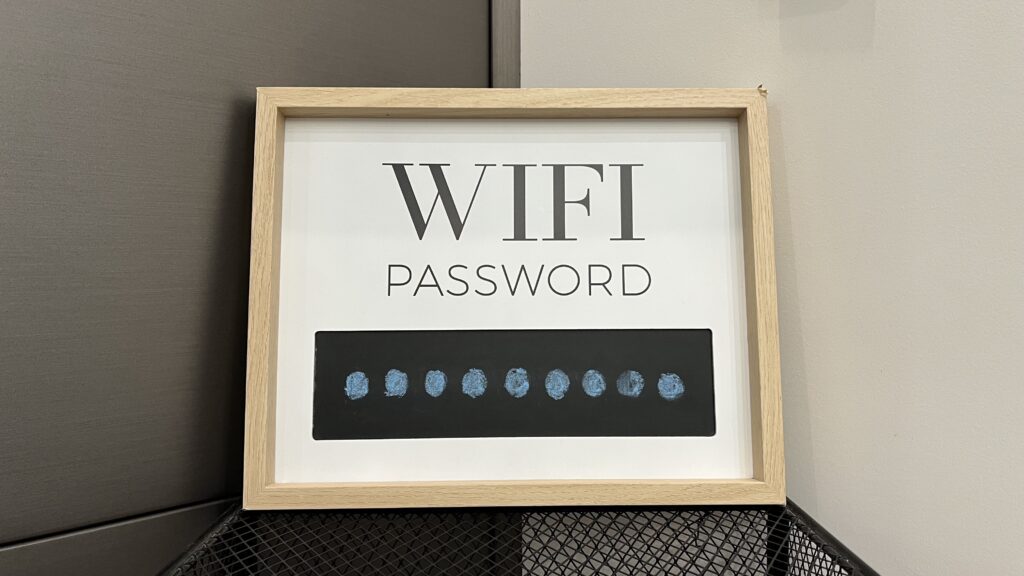
This amenity guide is our companion for getting the wifi working.
1
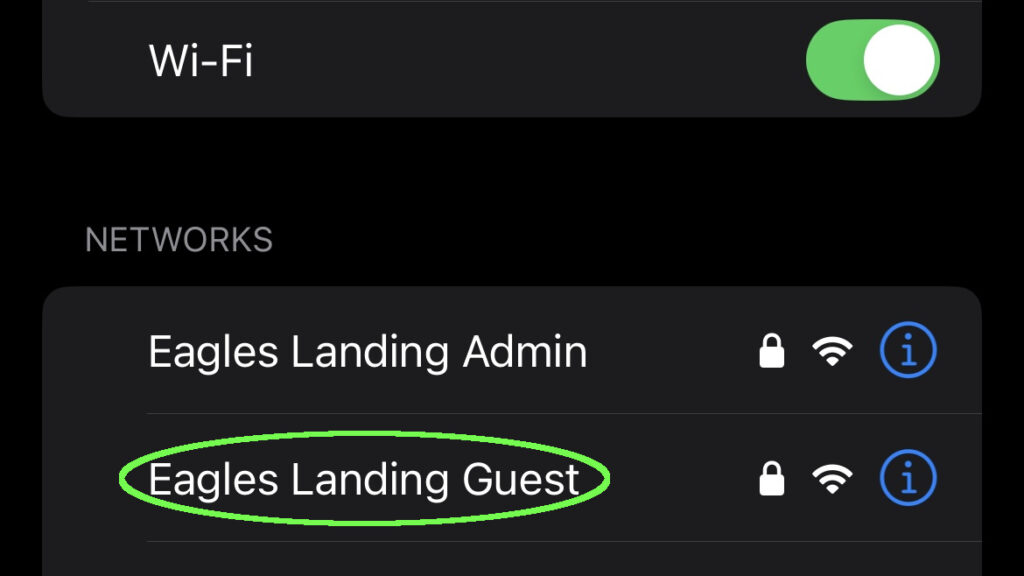
Select the “Eagles Landing Guest” wifi network
In the phone’s settings, find the menu for the wifi network, and select the “Eagles Landing Guest” wifi network.
2
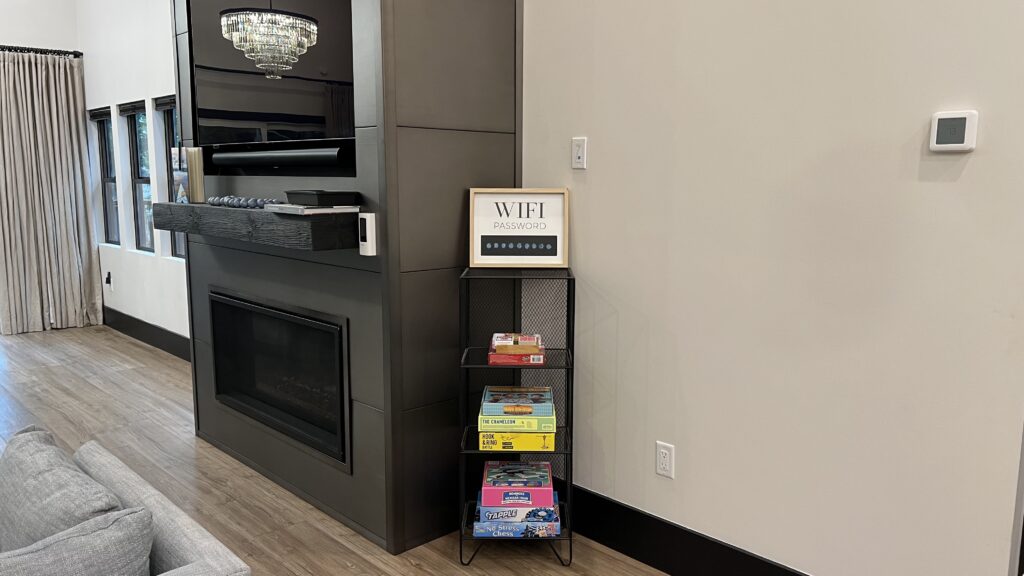
Get the wifi network password
Next to the indoor fireplace, the “WIFI PASSWORD” sign has the password we need.
3
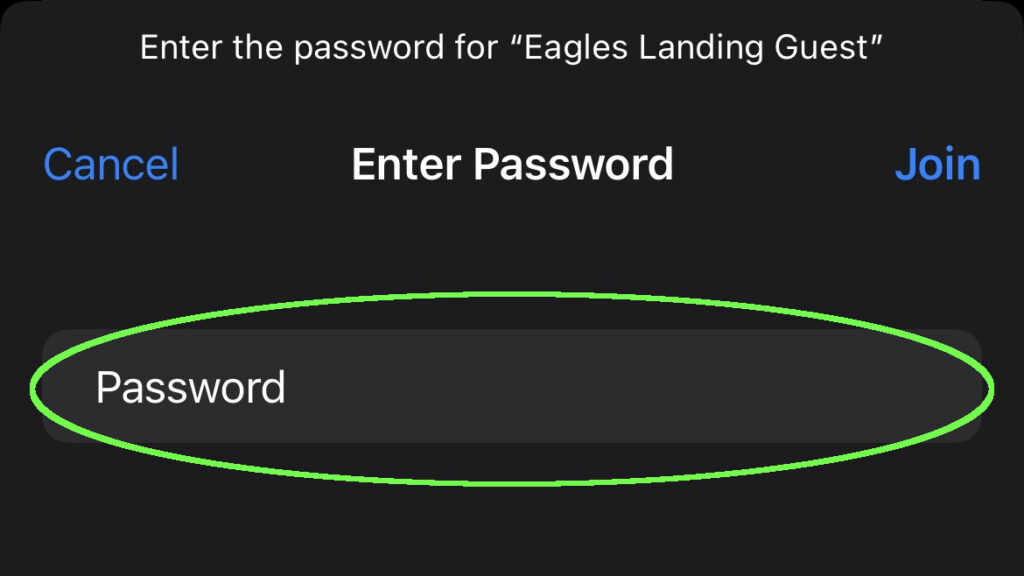
Enter the wifi network password
In the phone’s prompt for the wifi network password, enter the password to join. Enjoy the internet connection anywhere – from the house, to the deck, to the dock.